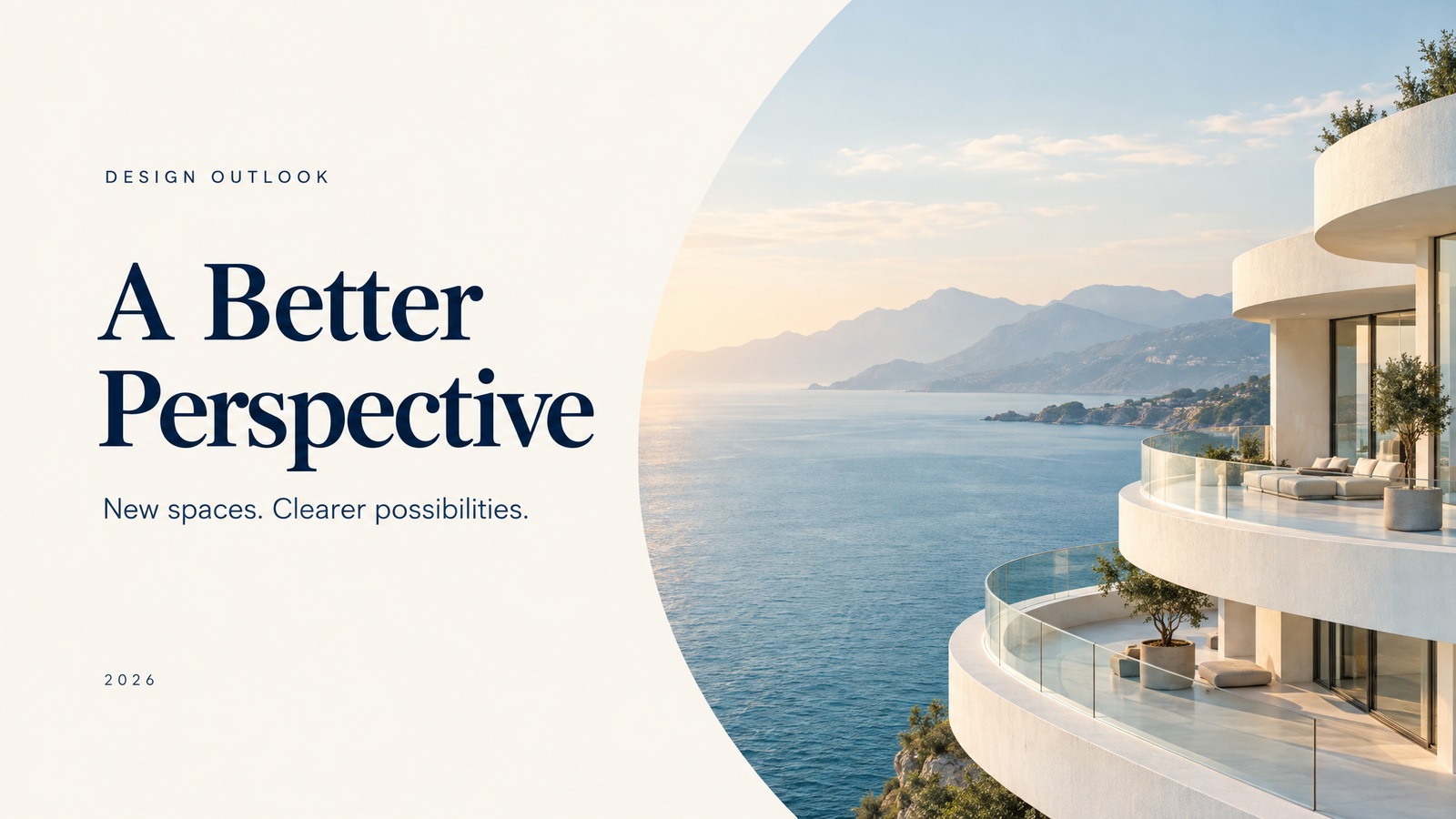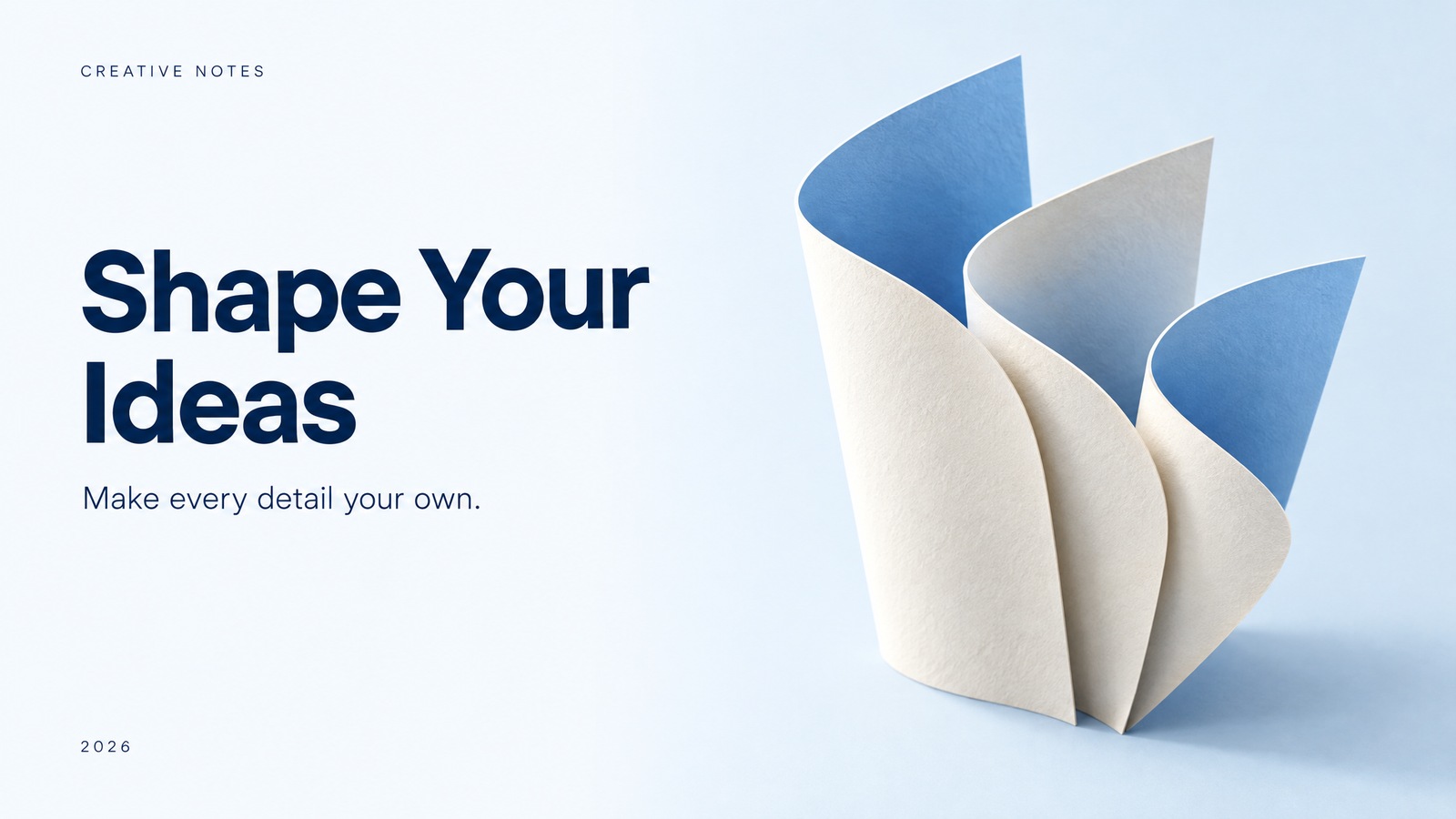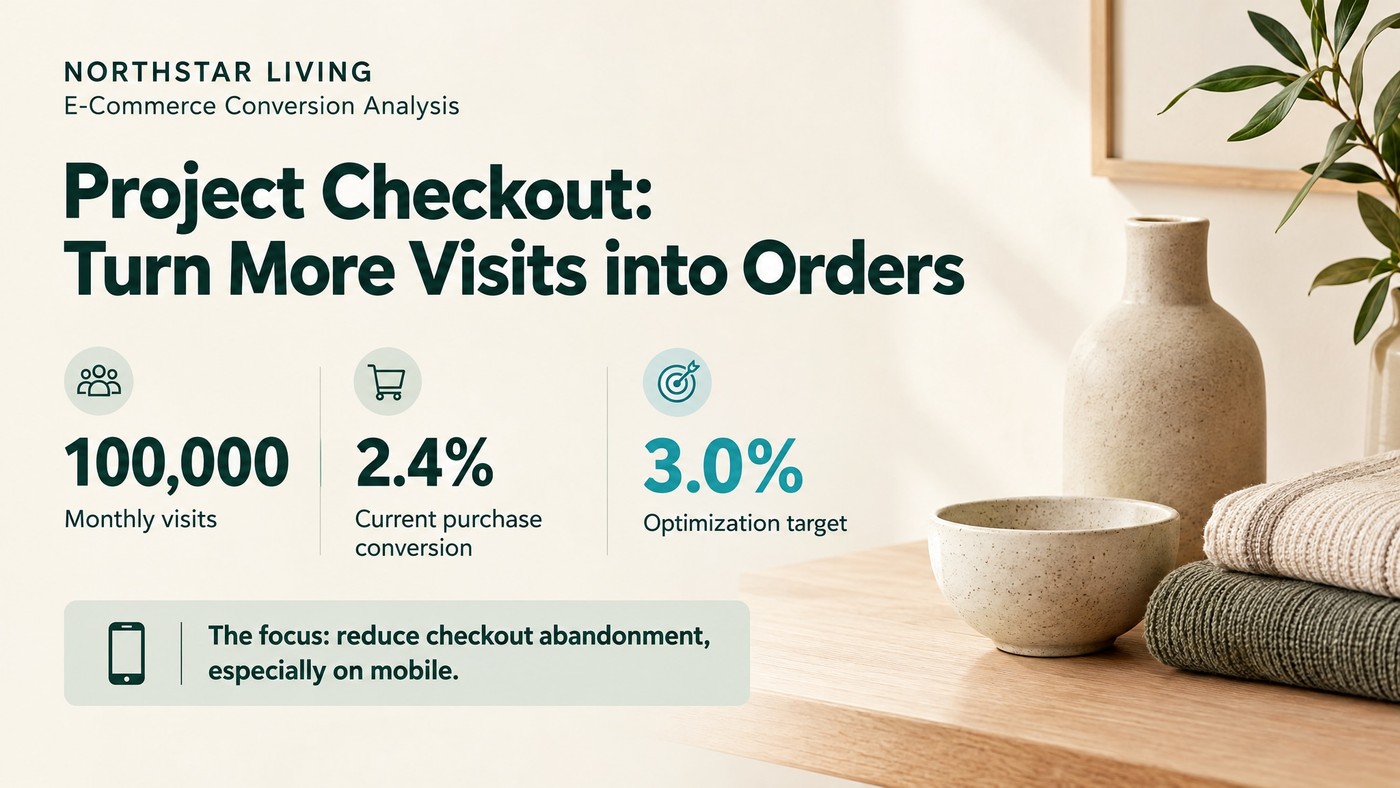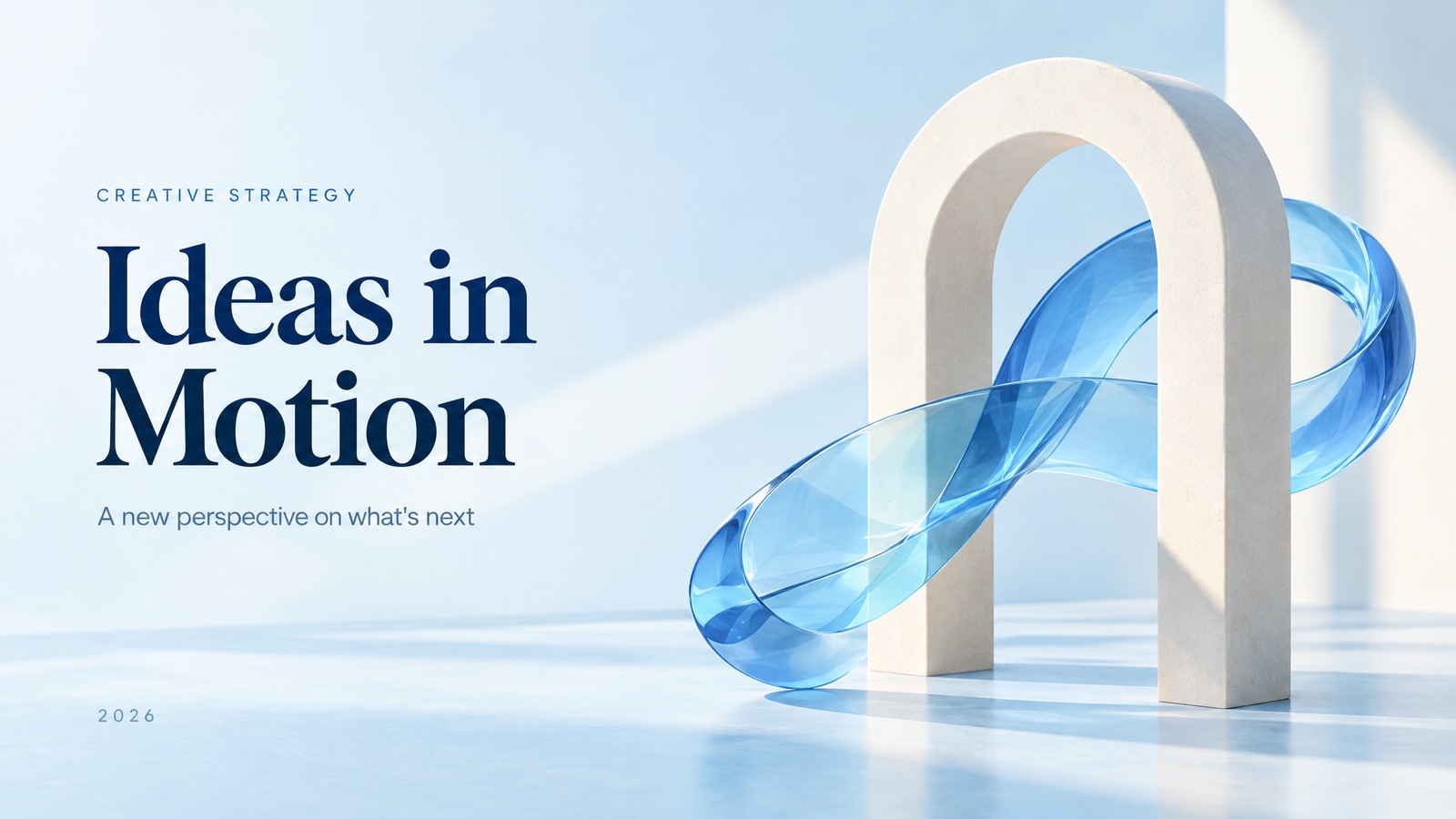
Enter a topic. Create a full deck in one click.
Skip the blank slide. Start with a topic or your materials, and let AI build the outline, organize the content and design the deck.
Explore this featureEnter a topic or upload your materials. AI automatically organizes the content and designs the entire presentation.Already have a PPT? Redesign it in one click to enhance the content, colors and layout together.
Create from scratch or refresh existing slides. Let AI handle content organization and repeated layout adjustments.
Skip the blank slide. Start with a topic or your materials, and let AI build the outline, organize the content and design the deck.
Explore this featureKeep your existing content without starting over. Redesign the hierarchy, layout and colors around its key points for a clearer, more consistent presentation.
Explore this featureModify the text, adjust the content and keep refining your presentation in PowerPoint.
Explore this featureDifferent content calls for different ways of presenting it. Landscape, square or portrait: choose a format that fits your ideas.
Before you begin, a few answers.
Yes. Start with a topic or your materials. AI helps structure the outline and design the slides. Preview the result, then make your adjustments.
Upload your PPT and give its content a fresh visual style. Check the text, data and layout before exporting.
Choose image-based or editable PPTX export. Select editable export to change the text. How much you can edit charts and complex graphics varies by slide.
Browse these examples without signing in. Sign in to create, upload and manage your work, which is saved in your personal workspace.
From AI creation to slide redesign, make every presentation shine.
Create with AI in one click